
Sort by color
White, blue, black, red, and green each go to one destination bin; colorless cards go to the sixth bin.
TCG System
A compact overview of verified baseline data for the current TCG System setup.
Verified information
This page contains only information that has been verified against the current TCG System setup. Development values and estimates are not presented as finished product specifications.
Magic: The Gathering
This overview lists all system profiles currently defined for Magic: The Gathering, regardless of whether they are enabled in the respective feature package. Custom AND/OR rules are included as well.
White, blue, black, red, and green each go to one destination bin; colorless cards go to the sixth bin.
Foil cards are placed separately. Other recognized cards are distributed across the remaining destination bins; errors remain in Eject/Review.
Six value ranges in euros divide cards from over 50 euros down to under 1 euro or cards without a price value.
Creature, Instant, Sorcery, Enchantment, and Artifact each receive their own destination bin; other card types use another bin.
The destination bins represent mana-value ranges of 0–2, 3–4, 5–6, 7–8, 9–10, and over 10.
Mythic, Rare, Uncommon, Common, and Special or unknown rarity are separated; remaining cases go to the sixth bin.
Plains, Island, Swamp, Mountain, and Forest are separated. Wastes and other cases share the sixth bin.
During the run, sets are assigned to up to five set groups. Additional recognized cards go to the overflow bin, while Eject/Review remains separate.
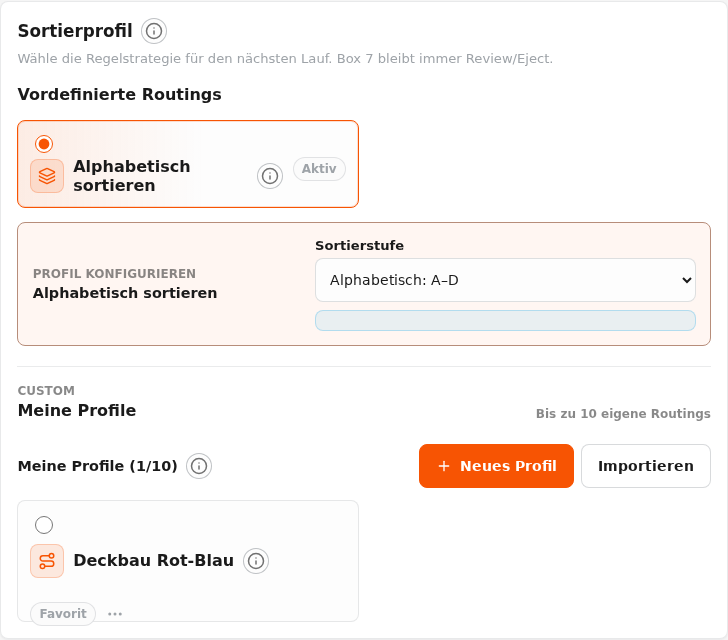
The first run divides an unsorted stack into A–C, D–G, H–M, N–R, S, and T–Z/Other.
The A–C intermediate stack is separated into A, B, and C.
The D–G intermediate stack is separated into D, E, F, and G.
The H–M intermediate stack is separated into H, I, J, K, L, and M.
The N–R intermediate stack is separated into N, O, P, Q, and R.
The intermediate stack is divided into T, U, V, W, X, and Y–Z/Other.
The final intermediate stack separates Y, Z, and other initial characters.
Custom sorting profiles can combine conditions with AND and OR and apply them to the destination bins.
Learn how the verified system components work together in the overall workflow.